
Handwritten notes
Write like in your notebook, without losing a thing.
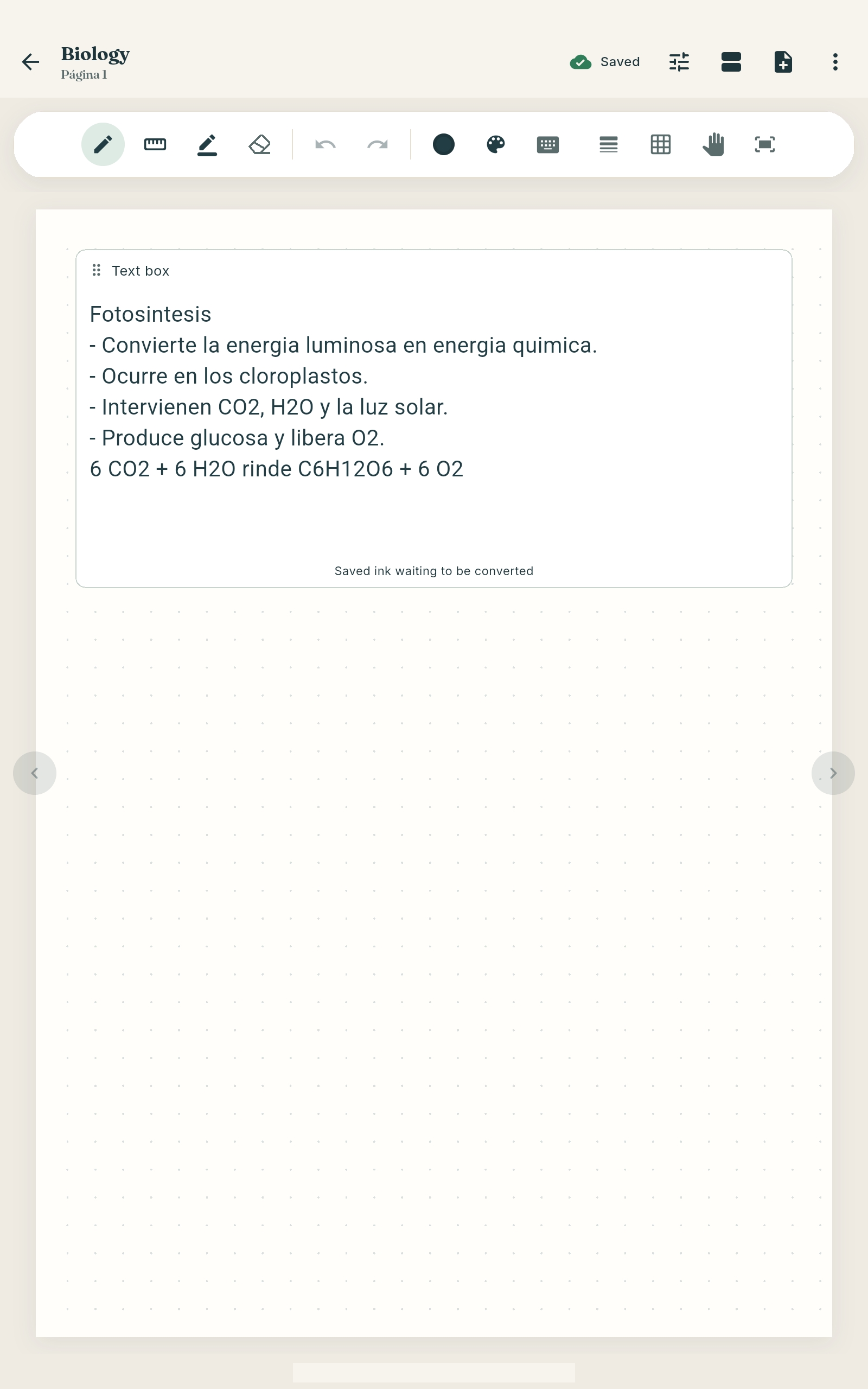
Write with your pen on lined, grid or dotted pages, and keep everything for a course in one notebook. On Android, studIA recognises your handwriting so you can search it and study from it.
- Price
- Free.
- Where it works
- Android and Windows. Handwriting recognition: Android.
The problem
“My notes are on paper, on my tablet and in PDFs, and I can never find anything.”
Who it’s for
Anyone who takes handwritten notes on a tablet or a touchscreen PC. Typing works too: there are text boxes.
Not for: People studying on iPad, iPhone or Mac (no version yet).
How it works: handwritten notes
- Create a notebook per course and sort them into folders.
- Pick your paper: lined, grid or dotted.
- Write with pen, highlighter, ruler, eraser, colours and text.
- On Android, download the language and studIA recognises your handwriting on the device.
Questions about handwritten notes
Does it recognise my handwriting?
Yes, on Android, in English and Spanish, after you download the language. Recognition happens on your device.
Can I write offline?
Yes. Writing, organising and reading your notebooks needs no connection.
Can I get my notes out of the app?
On Android you can export a page or the whole notebook as PDF or PNG, and back everything up in a .studia file.