
Your PDFs and scanner
Your slides and your notebook, in one place.
Import class slides and readings and write right on top. Took notes on paper? Scan them and they become another page, ready to study.
- Price
- Free. Practising with AI from those pages uses your allowance.
- Where it works
- Android and Windows. PDF import: Android and Windows. Scanner: Android.
The problem
“My professor uploads the slides as PDFs and I take notes somewhere else.”
Who it’s for
Anyone who studies from slides, PDF readings or paper notes.
How it works: your PDFs and scanner
- Import a PDF: studIA extracts the text and, if it’s a scan, recognises it on your device.
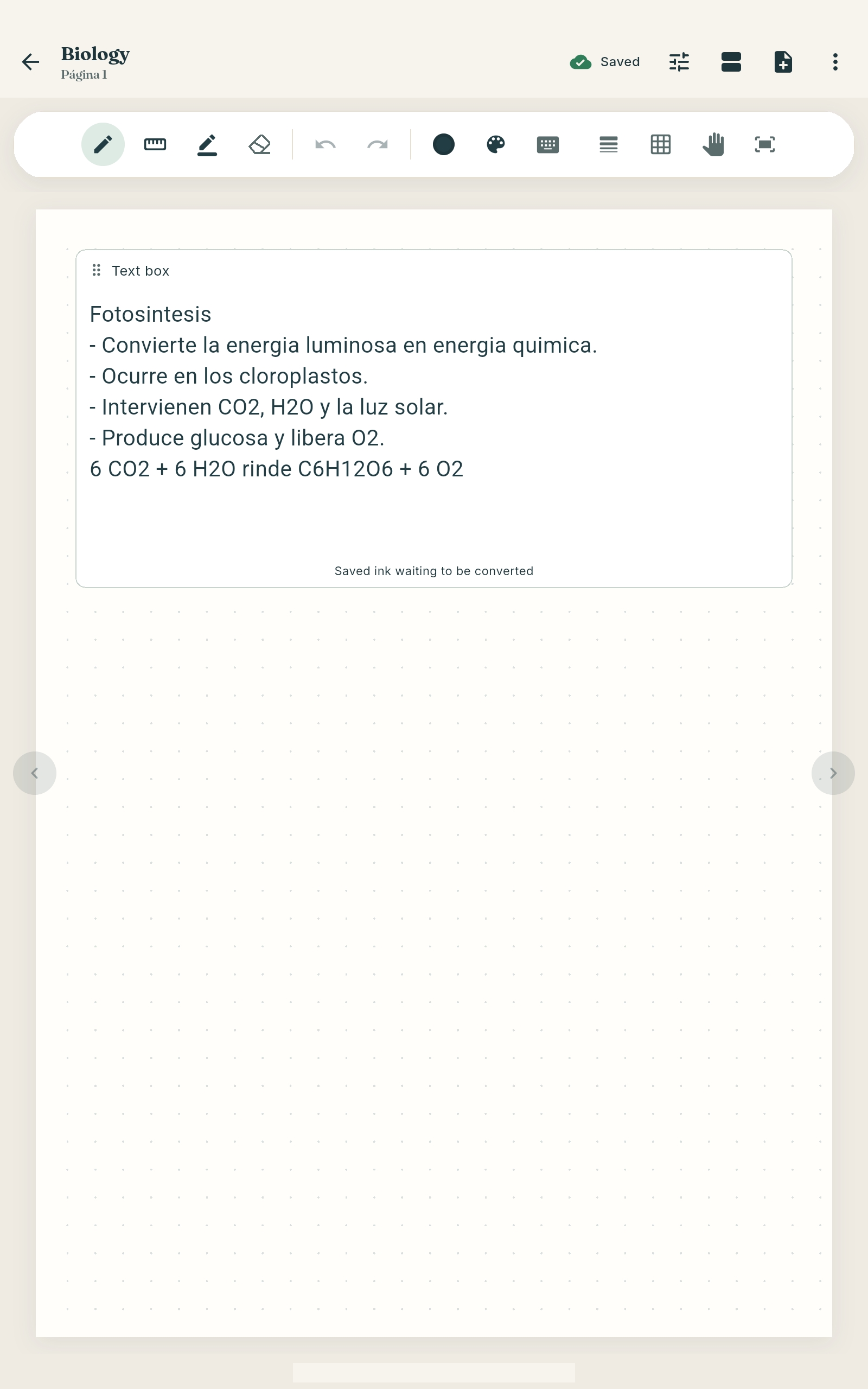
- Write, underline and highlight on top.
- On Android, scan your notebook or the whiteboard with the camera and it becomes another page.
- Use those pages to practise with AI.
Questions about your PDFs and scanner
Are my PDFs uploaded when I import them?
No. They stay on your device. Only if you use an AI feature are the pages you choose sent.
Does it work with scanned PDFs with no text?
Yes. studIA recognises the text on your device.
What about very long books or PDFs?
Yes. To use AI, studIA splits long text into parts, and each part uses some of your monthly allowance.