
Handwritten notes
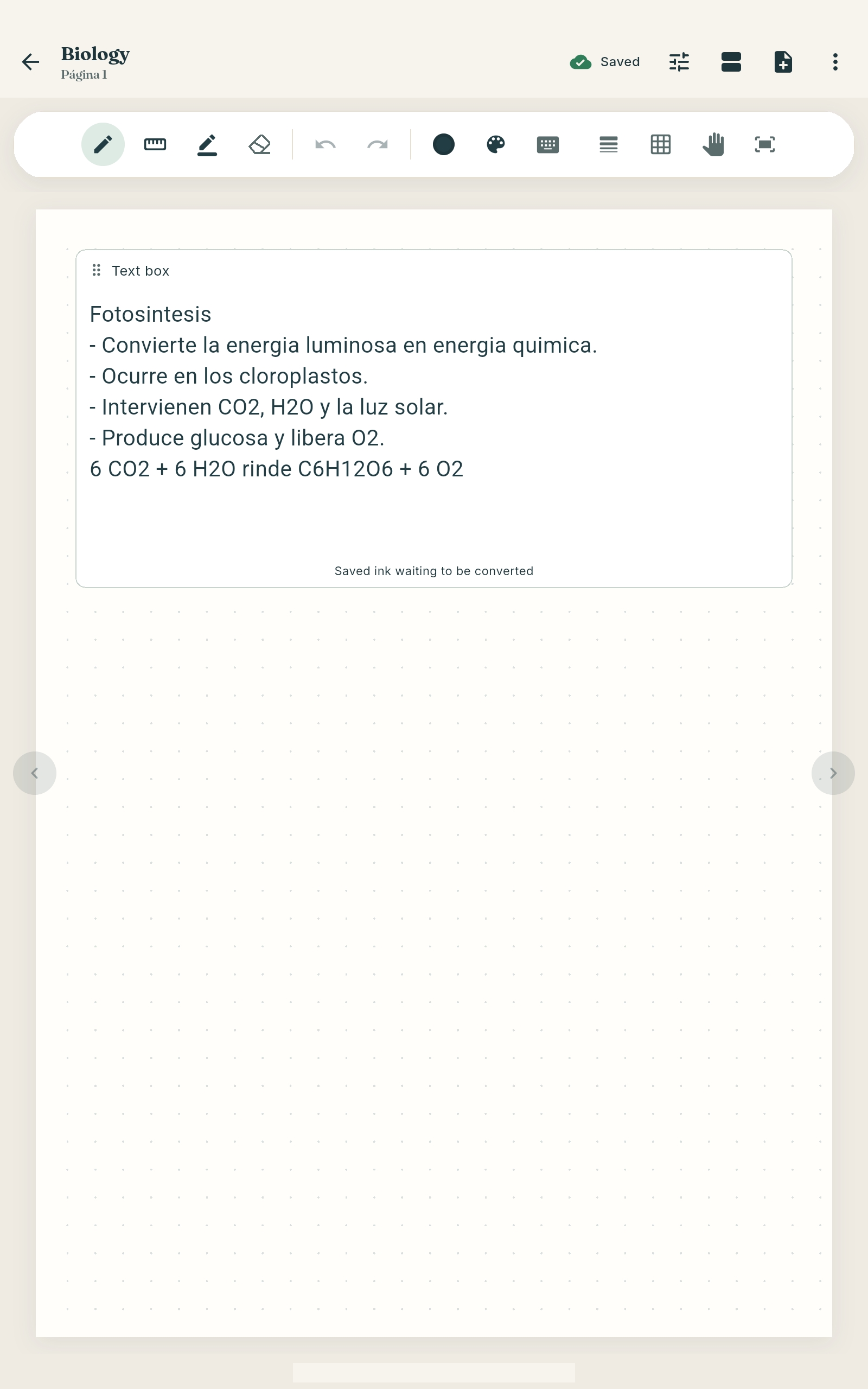
Write with your pen on lined, grid or dotted pages.
For university students · Android and Windows
Take notes like always — by hand, on your PDFs or by scanning your notebook — and studIA turns them into quizzes, flashcards and a review plan until exam day.
No card needed · English and Spanish
How it works
For anyone who learns from slides, PDF readings and many classes a week: four steps, one app.
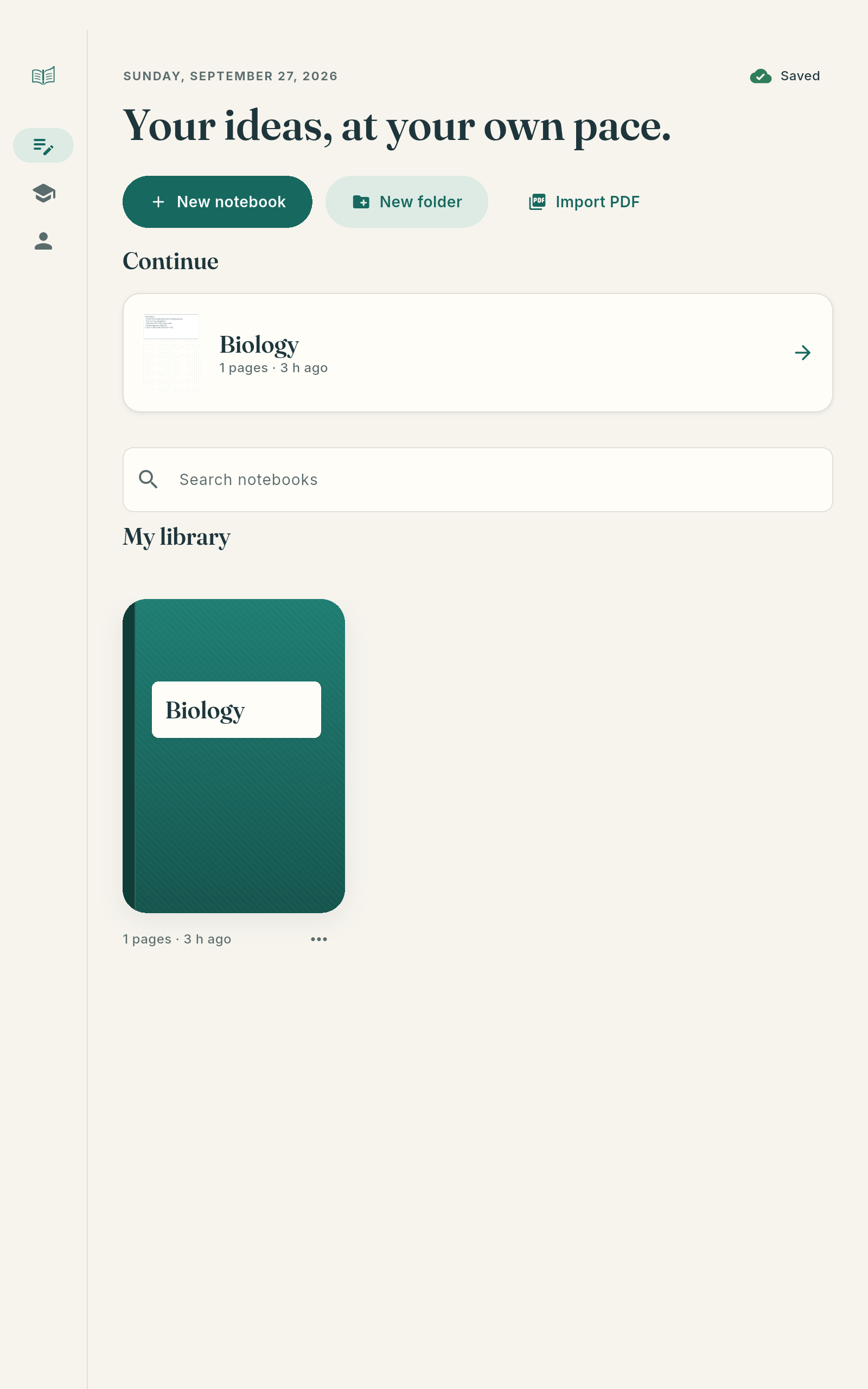
Take notes by hand with your pen, import PDF slides or scan your paper notebook. Everything for a course, in one notebook.
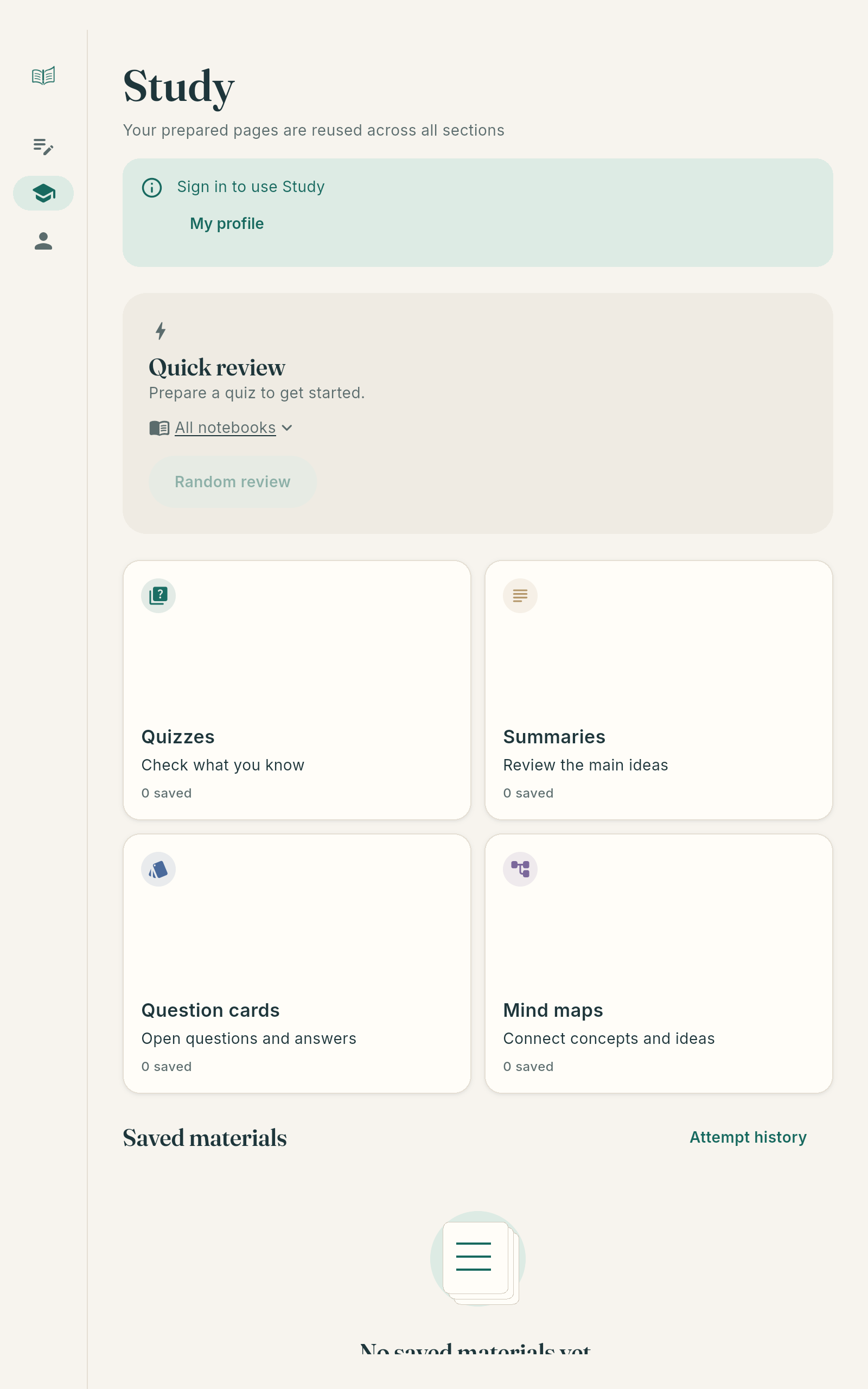
studIA turns your pages into summaries, quizzes, flashcards and mind maps: questions from your own class, not generic sets online.
Spaced repetition brings each question back right before you’d forget it. Keep your daily streak.
Set the date and your review is spread day by day, with a mock exam at the end. No more “where do I start?”.
Write with your pen on lined, grid or dotted pages.
Annotate your slides and digitise your notebook or the whiteboard.
The essentials of your pages, to read or listen to.
Practise with questions from your class and check your answers.
Answers with the page they come from.
The structure of a topic, at a glance.
What to review each day until the exam.
Tap what you wrote and hear that moment of the lecture.
studIA doesn’t study for you: it helps you practise with what you already wrote.
Answers cite your pages. If something is not in your notes, studIA says so instead of making it up.
Everything comes from what you wrote, imported or scanned, so it matches your class.
Your notebooks live on your device. Only what you choose to process is sent to the AI, and your recordings’ audio never leaves the device.
Real screenshots from the app.
Planned, no dates yet. Which one first? Tell us
Yes. Downloading it and using unlimited notebooks, PDFs, the scanner, recording, search, spaced repetition and the exam plan costs nothing. You can try the AI for free with an account; after that, AI features use a monthly allowance with the Plus or Pro plans.
Android tablets and phones (best with a pen) and Windows 10 or 11 PCs. On Windows, handwriting recognition, the scanner, lecture recording, listening to summaries and PDF/PNG export aren’t available yet. There is no iPad, iPhone or Mac version yet.
No: it works only with your pages. Tools like “Ask your notes” show the page each answer comes from, and if the answer isn’t in your notes, it tells you.
No. Your notebooks are stored on your device. Only when you use an AI feature is the text or image of the pages you chose sent, and the server doesn’t store them. Recording audio never leaves the device.
Yes. Export your notes as PDF and import them into studIA: you can write on top and turn them into quizzes, flashcards, spaced repetition and a plan until exam day. What you wrote before becomes part of the PDF, so those strokes can’t be edited.
No spam. Unsubscribe anytime.
Esta página está en inglés. Verla en español